
August 4, 2026
Printer Breaks Down Mid-Rush-Order: What to Do and How to Prevent It
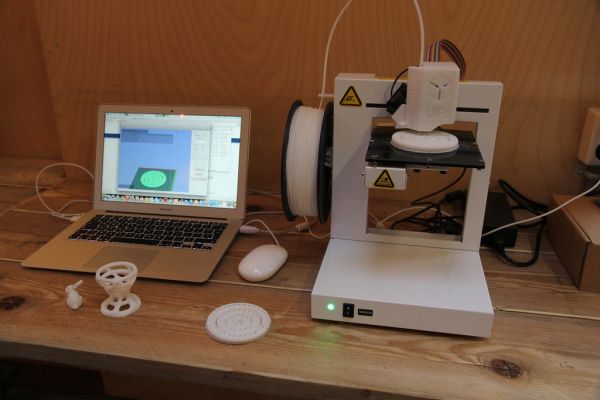
The order is due tomorrow morning, and the printer went silent halfway through the print — a clogged extruder, corrupted firmware, a filament runout nobody caught in time. For a one-printer shop, this isn't just an inconvenience: it's a blown deadline and a client you have nothing to say to except "sorry."
What to do right now
- Assess what actually broke. A clogged nozzle, a shifted bed, a filament runout — these get fixed in 15–30 minutes. A problem with the board, the extruder, or a serious print crash — that's hours, sometimes days waiting on a part.
- Check if there's a similar printer nearby. If the shop has two machines in the same ecosystem (same slicer profile, compatible filament), restarting the print on the second one is almost always faster than fixing the first one under deadline pressure.
- Warn the client honestly, ahead of time — not at the deadline. A message like "the print ran into a technical issue, realistic timeline is plus one day" sent a day before the deadline is received fine. The same message an hour before the promised handoff is irritating and damages trust, even if the breakdown wasn't the maker's fault.
- Check whether another shop nearby can finish the rush order. A directory of makers is a fallback for exactly this situation: if your own printer is down and there's no backup, finding a colleague with similar equipment in your city is faster than waiting for a repair.
Why a single printer is a risk even if it's reliable
It's not about the quality of any particular machine — every printer eventually needs maintenance or breaks down, and the question isn't "if" but "when." A shop with a single printer has no plan B for that moment: any breakdown automatically means every order in the queue is late, not just one.
How to reduce the risk in advance
- Scheduled maintenance, not just reacting to breakdowns. Regular nozzle cleaning and checking belts and rails cuts down on sudden failures mid-print — most serious breakdowns start as a small problem that went unnoticed.
- A stock of critical spare parts. A nozzle, a thermistor, a PTFE tube — cheap parts that turn hours of downtime into a 20-minute fix if they're sitting in a drawer instead of being ordered the moment something breaks.
- A second machine, once order volume justifies it. Not necessarily right away — but once missed deadlines from a single printer start becoming a pattern, a second machine often pays for itself less through extra capacity and more through not having to make excuses to clients.
- Build a time buffer into rush orders. Promising "the day after tomorrow" instead of "tomorrow" whenever possible is a simple way to keep a technical hiccup from turning into a blown deadline for the client.
The Printers section shows logged hours and remaining service life for each machine — if one printer is approaching the edge of its service life, there's time to prepare for maintenance ahead of schedule, rather than dealing with a breakdown mid-rush-order.
Bottom line
A printer breaking down in the middle of a rush order is a question of "when," not "if," and the only real protection is not to rely on luck but to build a process where one broken machine doesn't stop the whole shop: scheduled maintenance, a stock of key parts, and knowing where to turn if you can't finish it yourself in time.