
July 23, 2026
FDM or SLA: Which Printer to Start a Print-on-Demand Business
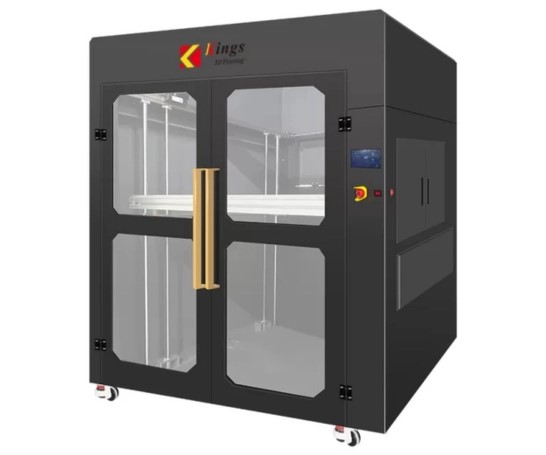
"FDM or SLA" is the question almost everyone asks before starting to print on demand. Short answer: it depends on what you plan to print. The long answer is below, factoring in not just printer price but what happens to your money afterward.
Entry cost
An entry-level FDM printer costs less than a comparable resin printer, and its consumable (a spool of filament) is usually cheaper per unit of printed volume too. That makes FDM a more forgiving start — less risk if print-on-demand doesn't work out and you need to resell the printer.
An SLA/DLP printer costs about the same or a bit more at the entry level, but real startup costs run higher once you add the extras: isopropyl alcohol for washing, a UV station for curing, gloves, protective gear — liquid resin is more toxic than filament, and you can't handle it as casually.
Where it's easier to profit
FDM covers functional parts, brackets, enclosures, prototypes, large decor — anything where 0.1-0.2 mm accuracy is enough and size matters more than fine detail. It's the widest demand segment: people search for "print me a part" or "print me a case" far more often than "print me a miniature."
SLA covers what needs detail — miniatures, jewelry master models, dental and medical applications, small figures. The niche is narrower but so is the competition, and the average price per gram of material is higher — resin printing costs more due to the technology and consumables.
Where it's easier to lose money
On FDM, beginners most often lose money on depreciation — a $250-350 printer looks cheap, but under heavy print-on-demand use the nozzle and rails wear out fast, and that isn't always priced in.
On SLA, the common mistake is not pricing post-processing time. Washing, curing, and support removal can take longer than the print itself, and newcomers tend to underestimate this step, working right at the edge of their own cost.
Can you start with both
Many shops eventually build a mixed fleet of FDM and SLA printers — that lets them cover both order types and never turn down a client because their job doesn't fit the tech they have. But it makes sense to start with one, learn it inside out (slicer settings, common print issues, real consumable lifetime), rather than splitting focus across both from day one.
Estimate the cost upfront
Before buying a printer, it's useful to estimate how many orders it takes to pay for itself at typical print prices in your market. The 3D Print Pricing calculator lets you cost a print including depreciation for a specific printer model — faster than doing it on paper, and it shows right away whether the economics actually work.
Calculate your price in a minute
Free calculator: part weight, print time, material price — no sign-up needed.
 App Store
 Google Play
 RuStore